
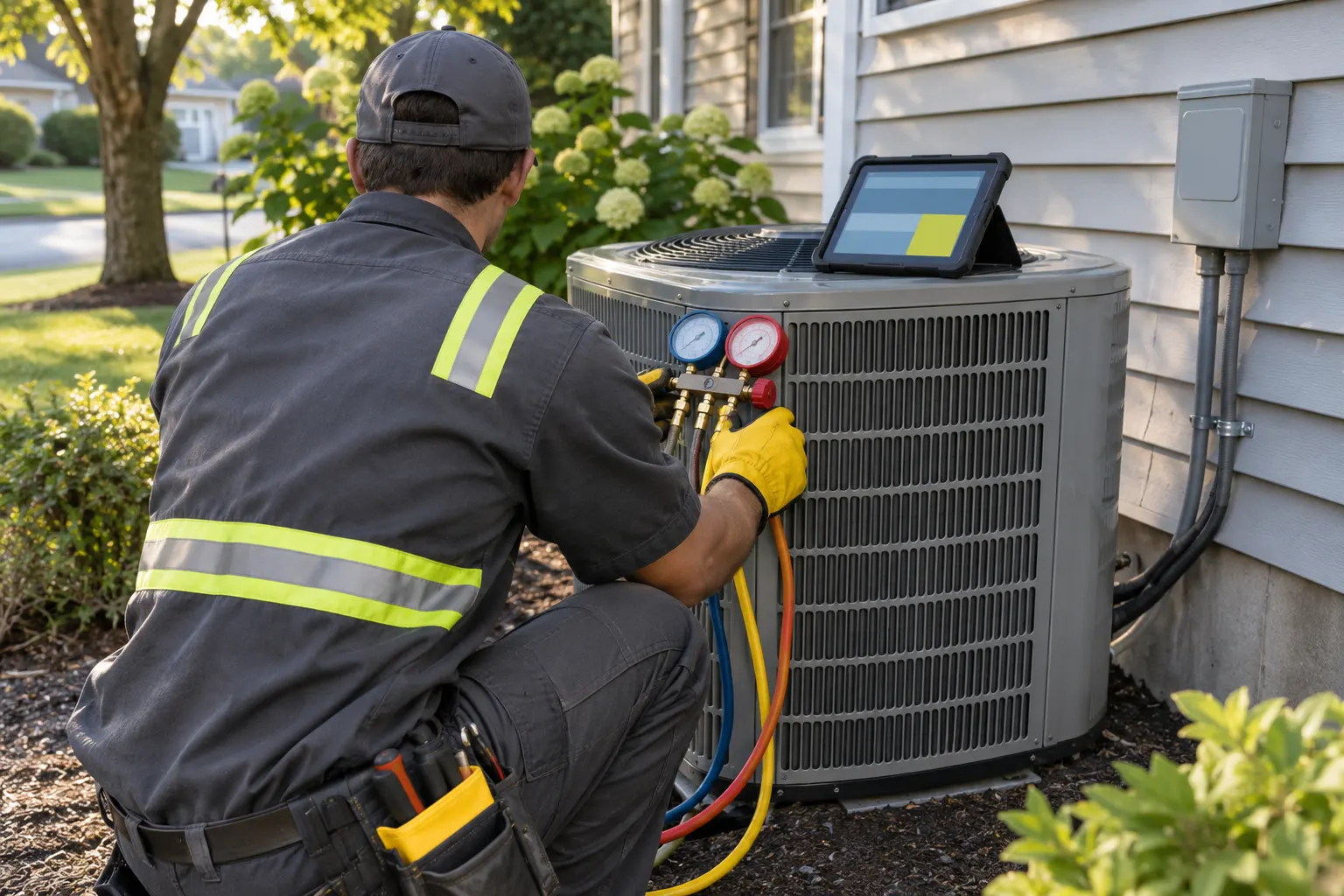
An HVAC business sells the same customer three things a general job-tracking app barely understands: a repeat maintenance visit, a repair priced off a book, and an install that depends on the exact unit in the basement or on the roof. The best HVAC software handles all three without a spreadsheet next to it. We read each vendor’s own HVAC and pricing pages for this list, and where a vendor does not publish a price, we say so instead of guessing.
We earn from qualifying sign-ups through our links. How we make money
Best HVAC Software at a Glance
Six platforms, in no ranking order. Prices are per month, billed yearly where the vendor offers that, and come from each vendor’s pricing page as read on 9 and 10 November 2026. The last three columns come from each vendor’s HVAC page. “Not stated” means the page did not say it, not that the feature is missing.
| Vendor | Lowest published price | Maintenance agreements | Flat-rate pricebook | Equipment history |
|---|---|---|---|---|
| ServiceTitan | Not published: quote only | Yes, recurring services | Pricebook linked to estimates | Yes |
| FieldEdge | Not published: quote only | Yes, service agreements | Flat-rate tools | Yes |
| Housecall Pro | $59/mo | Yes, on Essentials | Yes, on Essentials | Yes, on Essentials |
| Jobber | $29/mo | Yes, recurring jobs | Not stated | Not stated |
| Service Fusion | $208/mo | Agreements with e-sign | Not stated | Not stated |
| Workiz | Not published: quote only | Yes, service plans | Yes | Yes |
How to Read the Table
Three vendors hide their prices. ServiceTitan, FieldEdge and Workiz publish no plan prices on the pages we read, so they show as quote only. That is normal for software aimed at bigger shops, but it means you cannot compare them with the others until you have a quote in hand. Housecall Pro, Jobber and Service Fusion publish prices, and Housecall Pro and Jobber charge by user while Service Fusion lists unlimited users on every plan.
What HVAC Shops Need from Software
A generic field service app can schedule a plumber and send an invoice. HVAC adds four needs that decide which tool fits.
Maintenance Agreements
Recurring tune-ups are the steady money in HVAC, and they are the first thing to test. You need the software to create an agreement once, schedule the visits each season, bill on a schedule and nudge the customer at renewal. Ask for the full cycle in a demo, not a screenshot of an agreement list. Some tools sell agreements on the estimate itself, which helps techs close them in the same visit. Others handle recurring jobs without a dedicated agreement object, which works for simple plans and strains on multi-unit ones.
Flat-Rate Pricebook
Flat-rate means the customer sees one price for a repair, built from labor, parts and margin, instead of an hourly meter. That only works if every tech quotes from the same book. Look for a pricebook that ties into estimates and keeps your profit margin visible. If a tool offers only saved line items or quote templates, you can approximate a pricebook, but you will maintain it by hand.
Equipment History (Model and Serial)
When a compressor fails, the first question is what is installed and how old it is. Software that stores model numbers, serial numbers, install dates and past service on each unit saves a trip back to the truck and supports the replacement conversation. Some vendors store this per property or per piece of equipment. Others only show job history for the customer, which leaves the model and serial in a note field.
Dispatch for Emergency Calls
A no-cool call in July needs the closest available tech, not the next name on the schedule. A live map and a dispatch board let the office reassign work in minutes. Every vendor here includes dispatch, so the question is how fast your office can use it under pressure. Test it with a double-booked day during the free trial.
The Picks
ServiceTitan
Best for: larger HVAC companies with several trucks and an office team.
ServiceTitan’s HVAC page covers recurring services for commercial properties, estimates built from your pricebook, equipment history and automated dispatching. It does not publish prices, so you need a sales call to know what it costs. See our ServiceTitan pricing guide for what we could confirm. Price: Not published: quote only.
Good fit if
- You run multiple trucks and want one system for the office, the field and reporting.
- You sell commercial service agreements and need a pricebook behind every estimate.
Skip it if
- You are a solo tech or a crew of two: a quote-only product built for bigger shops is the wrong starting point.
- You want to compare prices before talking to sales.
FieldEdge
Best for: HVAC shops that want flat-rate pricing and a central dispatch board.
FieldEdge’s HVAC page promises flat-rate tools to prevent revenue slippage, full service histories and equipment details, service agreement upselling, and a centralized dispatch board for multiple trucks. Pricing is not published. Our FieldEdge pricing guide covers what is known. Price: Not published: quote only.
Good fit if
- You want flat-rate pricing tools and agreement management built for HVAC.
- You dispatch several trucks and need a single board.
Skip it if
- You need a published price today.
- You run a one-truck business and want a self-serve signup.
Housecall Pro
Best for: small and growing HVAC shops that want agreements, pricebook and equipment history in one mid-priced plan.
Housecall Pro’s HVAC page puts the HVAC tools mostly in the Essentials plan: recurring service agreements sold on the estimate or job, profit margins built into service prices, and a service and equipment history on each property. The Basic plan covers scheduling and assigning techs. Basic is $59/mo billed yearly for one user, and Essentials is $149/mo billed yearly with five users. Max includes eight users at $299/mo billed yearly, then $35/mo per extra user. The trial is 14 days with full access to Max. For a head-to-head with Jobber, see Jobber vs Housecall Pro.
Good fit if
- You run one to eight techs and want the HVAC features without a sales call.
- You want to sell a maintenance agreement on the same estimate as the repair.
Skip it if
- You are a solo tech who only needs Basic: pricebook and equipment history sit in Essentials.
- You have more than eight techs and do not want to pay per extra user.
Jobber
Best for: small HVAC shops where recurring maintenance and clean invoicing matter more than a deep pricebook.
Jobber’s HVAC page says recurring maintenance jobs are scheduled and invoiced automatically, and that you can dispatch technicians from one system. It describes reusable quote templates but not a pricebook, and its CRM covers customer information and work order history, with nothing on equipment records. Core is $29/mo billed yearly for one user. The first team plan, Connect, starts at $99/mo and goes to $299/mo for 15 users. Our Jobber pricing guide works out every tier.
Good fit if
- You want the lowest published entry price and a 14-day trial without a credit card.
- Your maintenance work is mostly simple recurring visits.
Skip it if
- You need a flat-rate pricebook or model and serial records per unit, which the HVAC page does not describe.
- You expect to grow past 15 users.
Service Fusion
Best for: shops that want unlimited users at a flat monthly price.
Service Fusion’s HVAC page covers scheduling and dispatch, and e-sign for agreements sent from the estimate. It mentions a flat rate integration and pre-populated products and service line items, but not a flat-rate pricebook, and for equipment it only mentions customer information and job history. The three plans are Starter at $208/mo billed yearly, Plus at $325/mo and Pro at $533/mo, with unlimited users on every plan.
Good fit if
- You have a bigger crew and a flat price per month suits you better than a price per seat.
- You want e-sign on agreements sent straight from the estimate.
Skip it if
- You are a solo tech: the entry price is above the per-user tools.
- You need equipment records with model and serial numbers.
Workiz
Best for: HVAC shops that want a pricebook and equipment tracking and are happy to ask for a price.
Workiz’s HVAC page says you can track model numbers, serial numbers, installation dates and service history for each piece of equipment, bundle materials and labor into a single flat-rate pricebook item, and build predictable maintenance work through service plans. Dispatch is listed as a core capability. Workiz does not publish plan prices on the page we read, so it shows as Not published: quote only. The trial is 7 days with no credit card required.
Good fit if
- You want model and serial tracking and a flat-rate pricebook in a shop-sized tool.
- You are fine getting a quote before you commit.
Skip it if
- You need to see every plan price before you talk to anyone.
HVAC Software Pricing Compared
Only vendors with published per-user prices can go in a crew calculator. Move the slider to your crew size to see Jobber and Housecall Pro side by side, with extra users counted.
Calculator
What it costs for your crew
Runs in your browser. Prices read on Nov 9, 2026.
Your monthly cost
Jobber by crew size, lowest-priced way to buy each plan
| Crew | Core | Connect | Grow | Plus |
|---|---|---|---|---|
| 3 users | $87$107 month to month | $149$197 month to month | $207$257 month to month | $399$499 month to month |
| 8 users | $232$252 month to month | $229$286 month to month | $299$386 month to month | $449$586 month to month |
| 15 users | $435$455 month to month | $299$399 month to month | $399$499 month to month | $529$699 month to month |
Bold: per month, billed yearly. Each cell takes the cheaper of the next user tier up or a smaller tier plus extra users, before add-ons and payment fees.
Here is the lowest-priced plan that fits each crew, billed yearly. Plans differ in what they include, so this compares price only. Remember that Housecall Pro’s equipment history and pricebook sit on Essentials and up.
| Crew | Jobber | Housecall Pro |
|---|---|---|
| 3 users | $87/mo (Core) | $149/mo (Essentials) |
| 8 users | $229/mo (Connect) | $299/mo (Max) |
| 15 users | $299/mo (Connect) | $544/mo (Max) |
Service Fusion does not fit the per-user model. Its plans are flat with unlimited users:
Read on Service Fusion's pricing page,
Starter
$245/mo
Unlimited users
Plus
$382/mo
Unlimited users
Pro
$627/mo
Unlimited users
Billing terms, extra users and fees
- Unlimited users on every plan.
- Yearly prices are shown per month and paid for the year up front.
- Prices in US dollars.
ServiceTitan, FieldEdge and Workiz are quote only, so they are left out of the maths. When you ask for those quotes, ask for the price at your crew size, the setup and training cost, the contract length and what happens to the price at renewal.
Free and Low-Cost HVAC Software
If you are a one-truck operation or just starting out, a full platform may be more than you need. Two lower-cost options are worth a look:
- ServiceM8: a Free plan at $0/mo for one user and 30 jobs a month, then Starter at $29/mo with unlimited users on paid plans. See our ServiceM8 pricing guide.
- Joist: Basics is $8.34/mo billed yearly, capped at five documents a month. It is built for estimates and invoices, not for dispatch or agreements. See our Joist pricing guide.
Neither is built around HVAC maintenance agreements or equipment history, so treat them as a way to get quotes and invoices off paper, not as a full HVAC system. For more, see our guide to free field service software.
How to Choose HVAC Software
- List your agreements. Count how many maintenance customers you have and how many you want. If it is a small number, simple recurring jobs may be enough. If agreements are the core of your business, test the renewal flow first.
- Decide on a pricebook. If your techs quote repairs on site, you want flat-rate pricing built in. If you quote only installs by hand, you can live without one.
- Check equipment records. Ask to see model and serial numbers stored on a unit, not in a note.
- Price by crew. Count every login, the office included, and use the calculator above. Then get quotes from the vendors that do not publish prices.
- Run the trial on live jobs. Put a week of real calls through it, including one emergency dispatch and one agreement visit.
From Software to Paperwork
Software handles the system, but you still need documents that look professional on day one. Our HVAC invoice template is free to fill in and download as a PDF, with no account.
How We Built This List
We read each vendor’s own HVAC page and pricing page and recorded what they state. We did not test the products for this page, and we say “not stated” when a page is silent, because a missing line on a marketing page does not prove a missing feature. Prices come from the vendors’ public pricing pages on the date shown at the top, and a vendor that does not publish a price shows as quote only. Commissions never change the order or a verdict. Our testing and sourcing method explains how we check and how to report a price that has changed.
Sources
Each one opened and checked on November 9, 2026.
Questions people ask
Is there free HVAC software?
Partly. ServiceM8 has a Free plan at {{price:servicem8:free}} for one user and 30 jobs a month, which covers a solo tech with light volume. Most full HVAC platforms are paid, with a free trial instead: Housecall Pro and Jobber both offer 14 days. Free tools rarely include maintenance agreements or a flat-rate pricebook, so check the plan before you build your routine around it.
What is the best HVAC software for a small business?
For a shop of one to eight people, Housecall Pro is the strongest fit on our list: its Essentials plan, $149/mo billed yearly with five users, lists service agreements, equipment history and flat-rate pricing. Jobber is the cheaper starting point at $29/mo billed yearly, but its HVAC page does not describe a pricebook or equipment records. Large shops should also get quotes from ServiceTitan and FieldEdge.
Do I need separate HVAC dispatch software?
Usually not. Every tool on this list includes scheduling and dispatch inside the same platform that holds your customers, quotes and invoices. Separate dispatch software only makes sense if you already run another system for the rest of the business and just need a board. For most shops one platform means no double entry between the board and the invoice.
Can HVAC software handle maintenance agreements?
Most of the platforms here can sell and track recurring service agreements, and some bill them automatically. Housecall Pro says you can sell recurring service agreements right on the estimate or job. Jobber describes recurring maintenance jobs scheduled and invoiced automatically. Ask any vendor to show you the renewal and reminder flow on your own agreement before you commit, because that is where tools differ.