
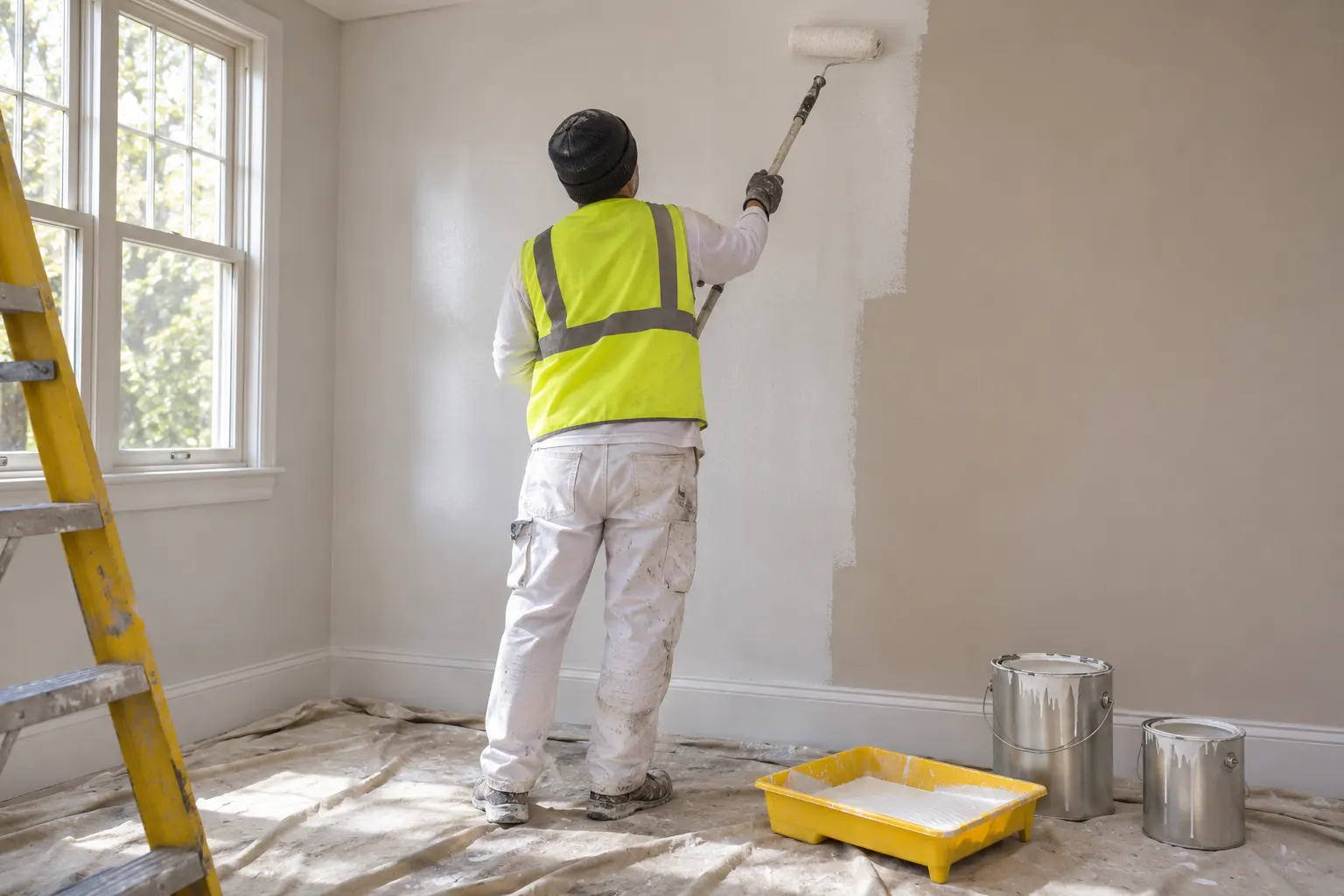
Painting business software is built around one moment: the estimate. A painter who quotes the same day, with clear options and a follow-up that actually happens, wins more jobs than one who sends a number three days later. We looked at five tools, two made for painters (PaintScout and DripJobs) and three general ones (Jobber, Joist and Housecall Pro), and read each vendor’s pricing page on 9 and 10 November 2026 to see who they suit.
We earn from qualifying sign-ups through our links. How we make money
Painting Business Software at a Glance
| Tool | Built for painters | Where it is strongest | Prices we can quote |
|---|---|---|---|
| PaintScout | Yes | Production-rate estimating and proposals | See PaintScout’s page |
| DripJobs | Yes | Follow-up messages, proposals, scheduling | See DripJobs’ page |
| Jobber | No | Quotes, scheduling and invoicing for crews | Core from $29/mo billed yearly |
| Joist | No | Light estimates and invoices | Basics from $8.34/mo billed yearly |
| Housecall Pro | No | Scheduling and dispatch for teams | Basic from $59/mo billed yearly |
Our price data covers Jobber, Joist and Housecall Pro. We read PaintScout’s and DripJobs’ pricing pages, but they sit outside our price tables, so we send you to their pages for current figures instead of quoting numbers we cannot keep checked.
What Painters Need From Software
Painting is quote-heavy. You may price ten jobs to win three, so anything that shortens the quote pays back fast. Crew scheduling matters too, but it comes second for most small outfits.
Fast Estimates by Square Footage
The core job of the software is turning measurements into a price without a spreadsheet. The painter-specific tools lean on production rates: how much surface a painter covers in an hour, applied to the area you measured. PaintScout’s pricing page lists production rate estimating as part of its Sales plan. DripJobs sells Production Rates, which it says includes painting estimating, as a paid add-on to its plans.
General tools are lighter here. Joist’s Pro plan adds line items, and all of its plans turn an estimate into an invoice. You build the price yourself, and the app presents it cleanly. That is enough for a painter who already knows their numbers. If you do not, our painting estimate template gives you the fields to fill in before you pay for anything.
Good, Better, Best Options
Offering three tiers (standard paint, premium paint, premium plus extra prep) lifts the average job for many painters, because the customer picks a level instead of deciding whether to buy at all. Check this feature before you buy. DripJobs lists package pricing (good, better, best) on its Advanced plan. In the Joist plan list we read, no plan mentions good, better, best options, so a painter using Joist would send a separate estimate per option.
Crew Scheduling
Once you have more than one crew, the calendar becomes the problem: who is on which house, which job is waiting on weather, which one needs a second coat tomorrow. Jobber’s pricing page lists real-time scheduling, Housecall Pro’s lists scheduling and dispatch on every plan, and DripJobs lists a job and appointment scheduler. Joist only adds it on its top plan, Run, which lets you organize jobs and schedule visits. For a one-crew painter who texts a couple of helpers, a shared phone calendar may still be enough.
The Picks
PaintScout
PaintScout is built for painting sales and estimating. Its pricing page lists production rate estimating, interactive proposals, customer chat, integrated payments, automated email and SMS, and a sales pipeline in its Sales plan, with job management and scheduling in a second plan called Operations that sits on top of Sales. The pricing page shows one user per plan and an added cost per extra seat.
- Best for: painters who lose jobs on slow, inconsistent estimates and want proposals that look professional.
- Skip it if: you need one cheap tool for a solo operation. You pay for Sales first, and for scheduling in a separate plan.
DripJobs
DripJobs leads with follow-up. Its pricing page lists done-for-you drip messages and emails, proposals with e-signatures, a job and appointment scheduler, online invoicing and payments, and financing. The Advanced plan adds package pricing (good, better, best), change orders and appointment reminders. Production rate estimating is a separate paid add-on, and extra users are priced on request. The page lists month-to-month billing, no contract and no free trial.
- Best for: painters whose problem is leads going cold after the quote.
- Skip it if: you want estimating built in from day one. Count the add-ons before you compare it with an all-in-one price.
Jobber
Jobber is a general field service app, and its plan structure works for painting crews. Core covers one user at $29/mo billed yearly. The first team plan, Connect, starts at $99/mo and adds what Jobber’s page lists over Core: automated client reminders, automatic payment collection, QuickBooks Online sync, and time and expense tracking. Extra users are $29/mo each. The 14-day trial needs no credit card.
- Best for: painting crews of 3 to 15 who want quotes, scheduling and invoices in one place.
- Skip it if: you want painting-specific production rates. Jobber is not built around them.
Full plan breakdown: Jobber pricing.
Joist
Joist is the lightest tool here. Basics is $8.34/mo billed yearly and caps you at five documents a month. Pro, at $14.17/mo billed yearly, removes the cap and adds line items and photos on documents. Elite adds change orders, and Run, at $70/mo billed monthly, adds job scheduling. Its page lists no team member features, so it suits a solo painter or a tiny outfit.
- Best for: an owner-operator who needs professional estimates and invoices on a small budget.
- Skip it if: you run several crews, or want built-in good, better, best proposals.
Full plan breakdown: Joist pricing. Our general estimate template shows what a Joist estimate looks like in practice.
Housecall Pro
Housecall Pro is aimed at teams that dispatch. Basic is $59/mo billed yearly for one user, Essentials includes five users at $149/mo, and Max includes eight at $299/mo, with extra Max users at $35/mo each. The trial gives 14 days with full access to Max and no credit card.
- Best for: established painting companies with a few crews and an office person scheduling them.
- Skip it if: you work alone. The Basic plan costs more than Jobber’s solo plan.
Good fit if
- You are a painter losing jobs on slow estimates: look at PaintScout or DripJobs first.
- You run 3 or more crews and need one calendar: Jobber or Housecall Pro.
- You are solo and want clean estimates on a small budget: Joist.
Skip it if
- You have not measured your own production rates yet: no app can fix that for you.
- You are comparing sticker prices only: DripJobs and PaintScout add costs for estimating, scheduling or extra seats.
- You need more than a handful of users on Joist: its page lists no team features.
How to Estimate a Paint Job
Whatever software you choose, the method is the same, and the software only saves you the typing.
- Measure the surfaces. Walls: length times height for each wall, added up. Ceilings: length times width. Trim, doors and windows: count them or measure the linear feet.
- Subtract what you will not paint. Large windows and doors come off the wall area. Small ones usually stay in as a rough allowance for cutting in.
- Decide the number of coats. A color change or bare drywall often needs primer plus two finish coats. A same-color refresh may need one.
- Work out the materials. Paint cans list a coverage figure per gallon. Divide your area by it, multiply by coats, and round up. Add primer, caulk, tape, drop cloths and rollers.
- Price the labor. Use your own production rates from past jobs: how long your crew really takes per room, including prep, cleanup and drying time. Past jobs beat any rule of thumb you could find online.
- Add overhead and profit. Insurance, vehicle, software, supplies and your own pay all come out of the margin. Add them before you send the number.
- Show options. Offer a standard and a premium tier so the customer chooses a level.
If you want the fields laid out, our painting estimate template does this in order and exports a PDF.
How to Choose
Pick by your bottleneck, not by the feature list.
- Estimates are slow or inconsistent: a painter-specific tool, or a template plus Joist.
- Leads go quiet after you quote: a tool with automated follow-up, such as DripJobs.
- Scheduling is a mess: a field service tool with a calendar, such as Jobber or Housecall Pro.
- Cash is tight: start with the lowest plan that works. Everything we compared has a trial or a monthly option, so you can try it on real jobs. DripJobs lists no free trial, so confirm the terms first.
Also test on live work. Put one real estimate through the tool, send it to a customer and see how it looks on their phone. A clunky proposal costs you jobs, however many features the plan lists.
How We Chose These Tools
We covered the tools the search results for painting software keep returning, plus the general apps that painters already use. Prices for Jobber, Joist and Housecall Pro come from our price data, read from each vendor’s pricing page on 9 November 2026. PaintScout, DripJobs and Joist features come from each vendor’s own page, read on 10 November 2026, and the Jobber and Housecall Pro feature lines were checked on their pricing pages on the same date. We did not test features hands-on for this page, so check the plan you want on the vendor’s site. See how we test for the full method.
Sources
Each one opened and checked on November 9, 2026.
Questions people ask
What are some good apps for paint contractors?
Two are built for painters: PaintScout and DripJobs. Both center on estimates and proposals. General field service apps also work: Jobber and Housecall Pro add scheduling and invoicing for crews, and Joist is a light estimate and invoice app that starts at $8.34/mo billed yearly. Match the app to your biggest bottleneck, whether that is estimating, follow-up or crew scheduling.
How do I estimate a paint job?
Measure the surfaces, subtract openings, decide how many coats, then turn that into labor and materials. Add prep, overhead and your margin before you quote. Do it the same way every time and your prices stay consistent. Our painting estimate template walks through the fields.
Do you need a license to run a painting business?
It varies by state, and sometimes by city or by the size of the job. Check your state licensing board before you take your first paid job, and ask your insurer what coverage you need.